Genius of Play Website
Rethinking a site for parents
Problem Statement
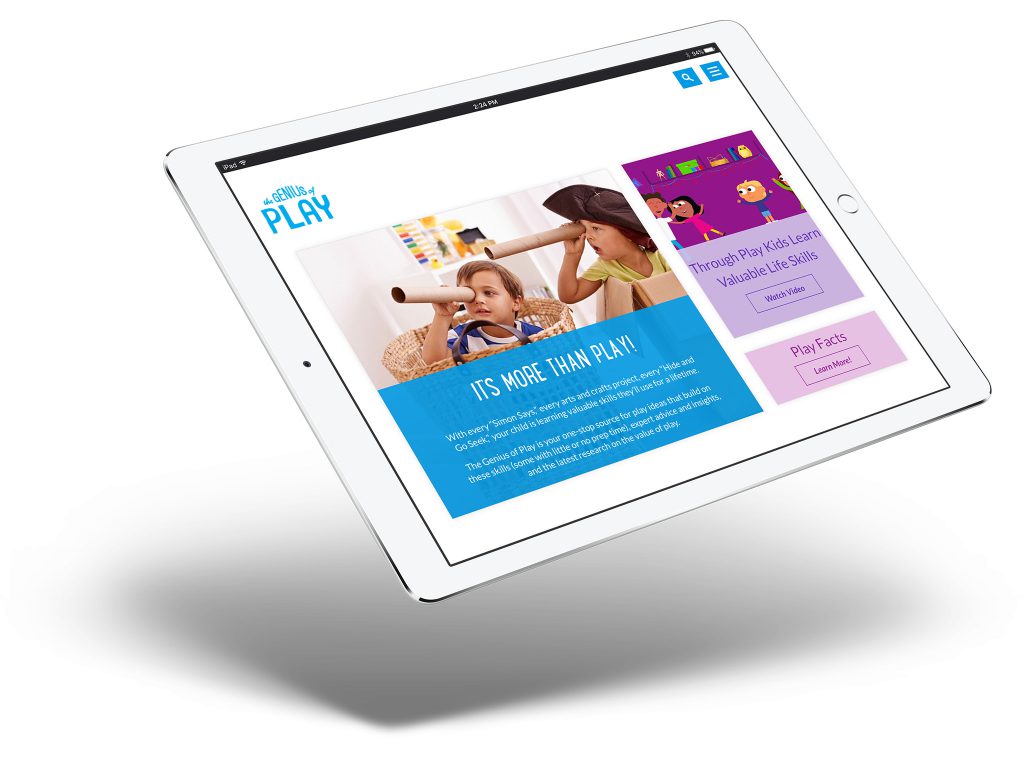
The Genius of Play website is dedicated to teaching the important role of play in childhood development. Our task was to redesign the site to improve the user experience. There was good content on the site, but it lacked a clear organizational system to aid the user in understanding what the site had to offer. On this project, I created a new information architecture, lead the design and development of a prototype for the new site’s front-end code, and provided functional specifications and guidance to third party devs during integration.
Technical Skills Used
- SCSS
- Javascript
- Node.js
- Bower
- Gulp
- Handlebars
- Zurb Panini
- Twitter Bootstrap
Solution
By changing the information architecture, revising the design, and refining the user experience, we were able to deliver a prototype which was rapidly turned into the new site. The new site looks better, loads faster, has better engagement numbers, and is easier to navigate. Additionally, the developers like that it has a more maintainable codebase, fewer dependencies, and a prototype that can be used to continue to work on the design in-house.
Approach
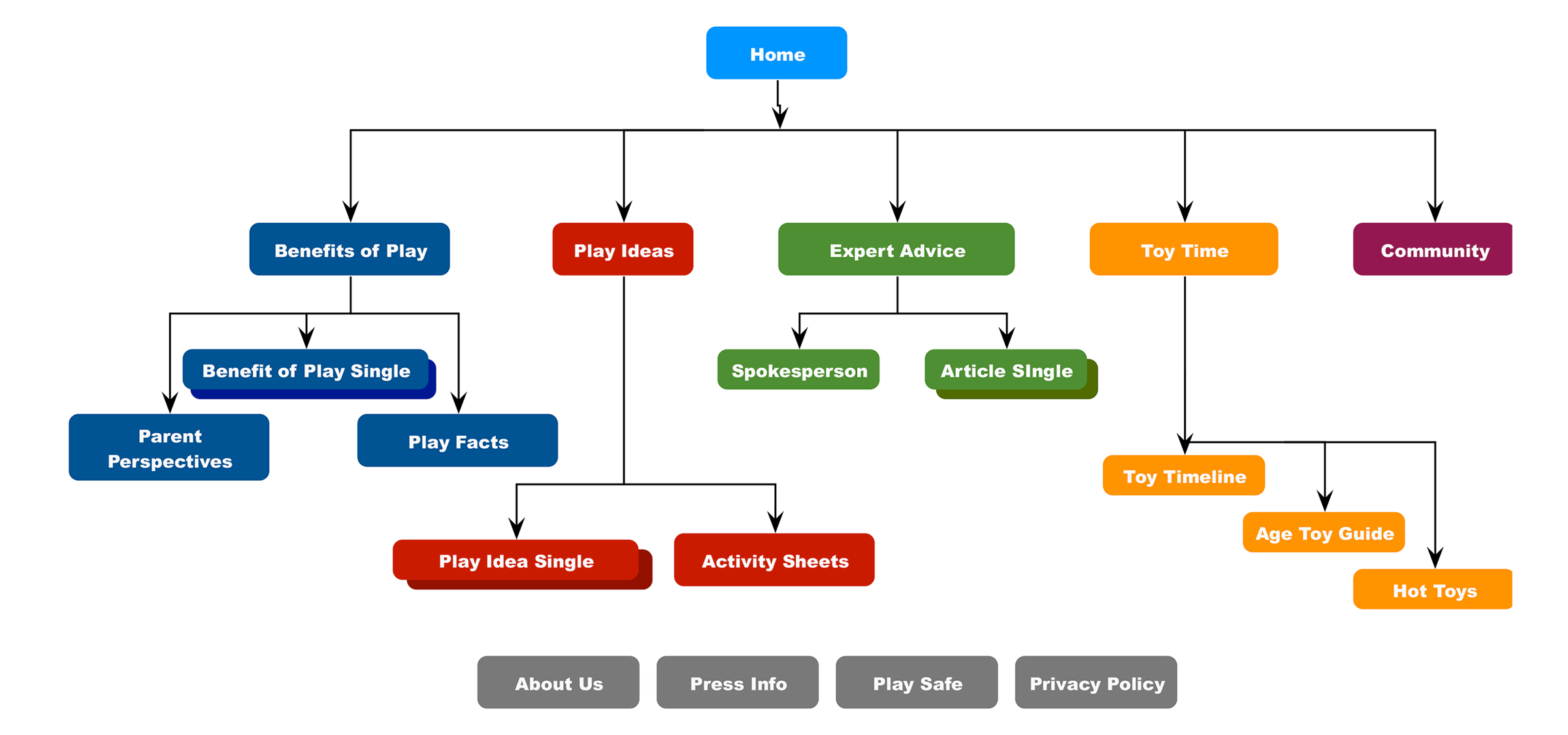
The main idea of the site is to teach parents about the importance of play. It also has several ideas for parents to play with their kids in a way that can benefit childhood development. We started rethinking the site architecture to clearly group the information available and creating a user experience that made it possible to learn how to use the site. To that end, we split the content into main sections with distinct goals and dedicated UIs.
Design
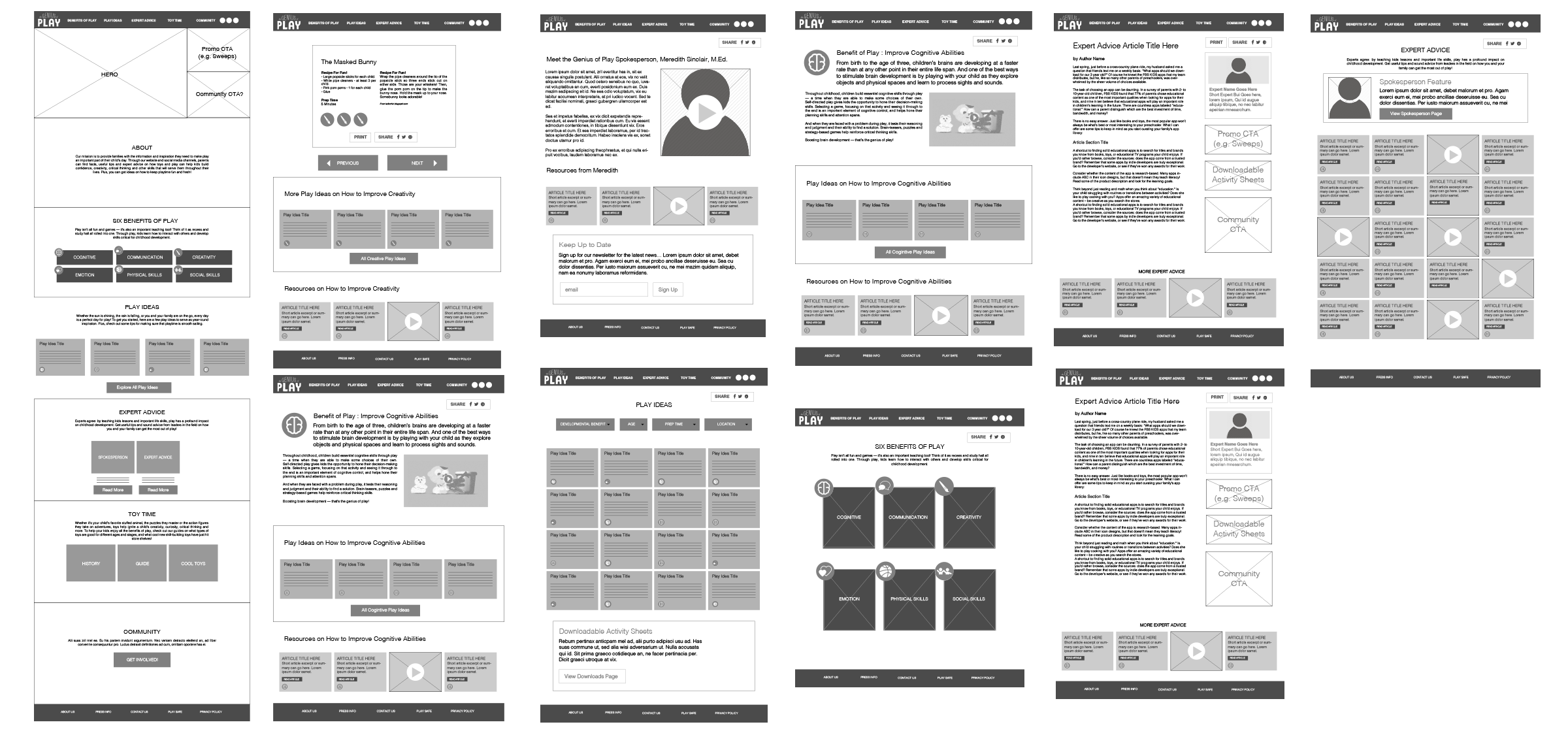
As we developed the new design, we worked on refining the brand’s visual identity. They had history of using a lot of bright colors, images and type. Starting with these elements, we reduced them into a smaller system of simple, modular components which we used to create the various views on the site.
Development
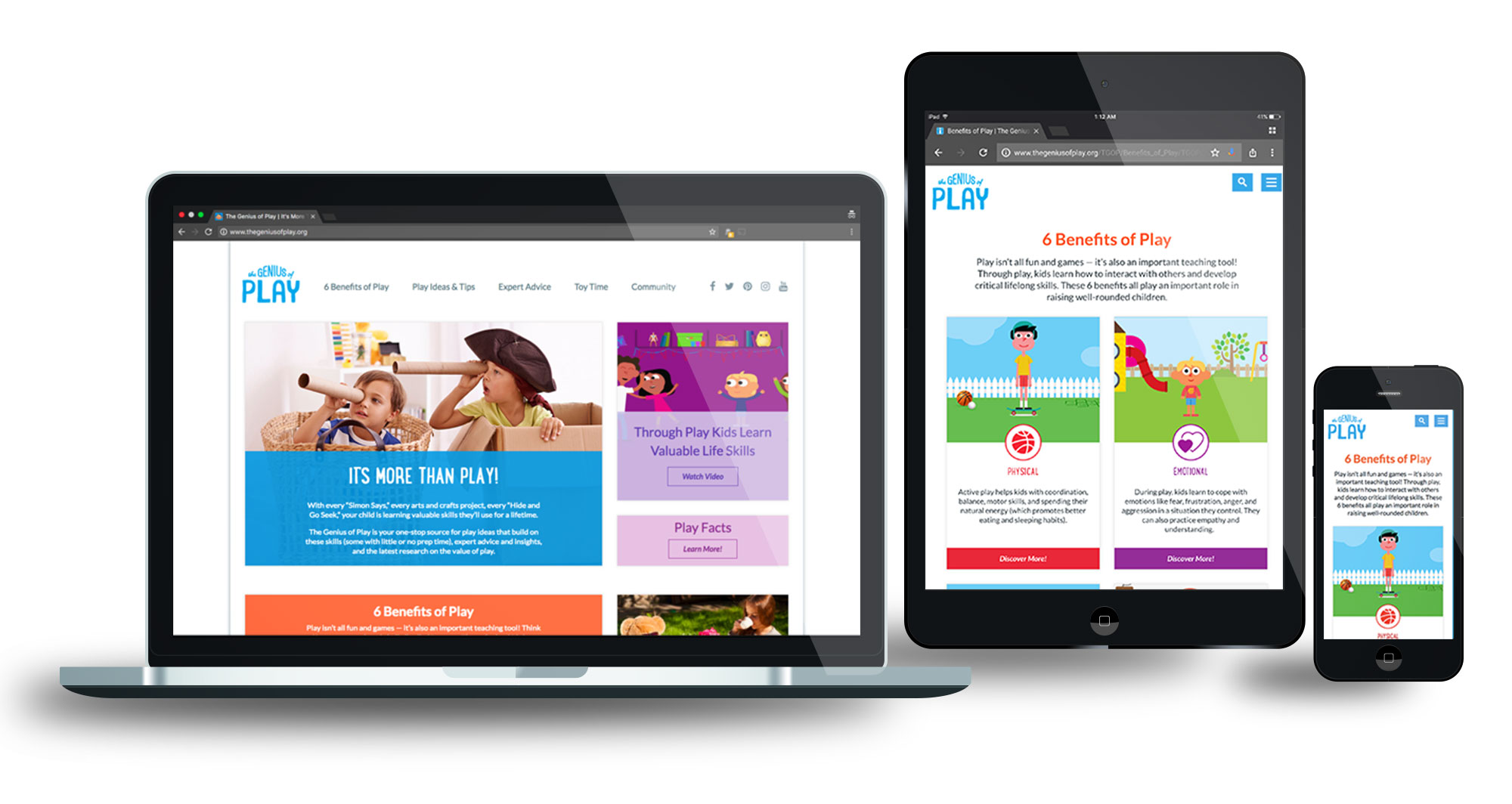
For development, I wanted a prototyping system that would allow us to rapidly iterate on designs and play around with modular components. I ended up using Zurb’s Panini, which uses Handlebars templating to have great system for whipping up prototypes. This is especially true if you are using Foundation – which I could not do on this project! One of the quirks of the CMS is that it has a bunch of styles that it loads no matter what. Part of this is a partially modified Bootstrap – So we stuck with Bootstrap (I used the SCSS version of Bootstrap to fill in/override the partial version with the official version where necessary).
Todo: Desktop photo Subime, Terminal, iphone/ipad/laptop showing screen